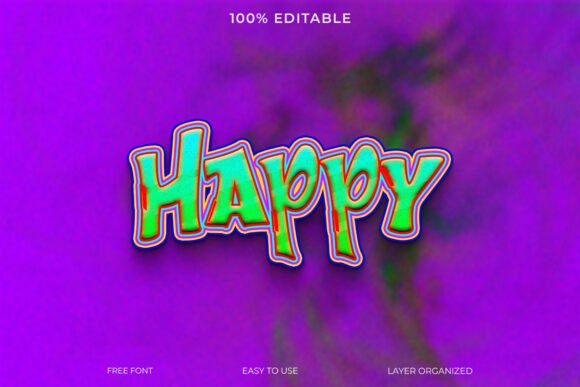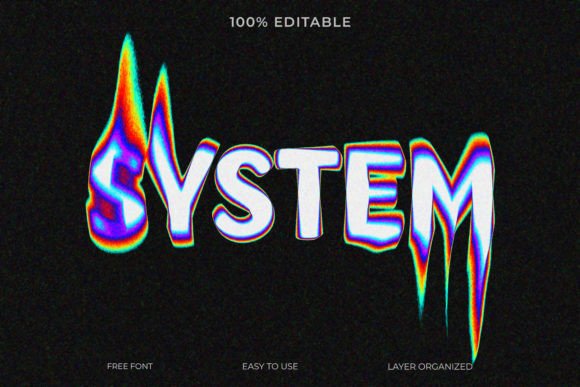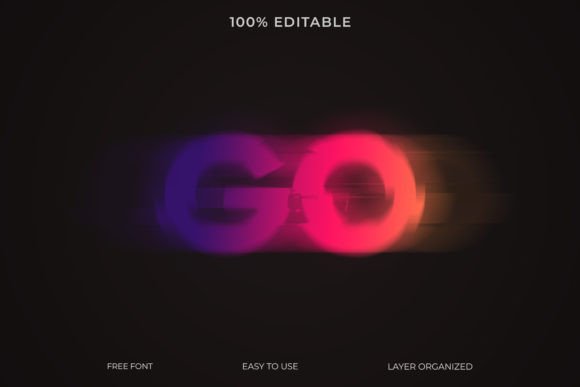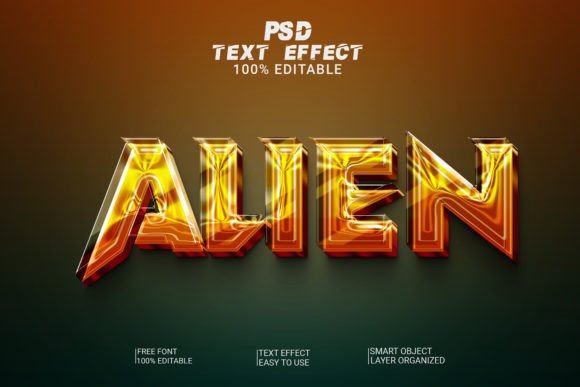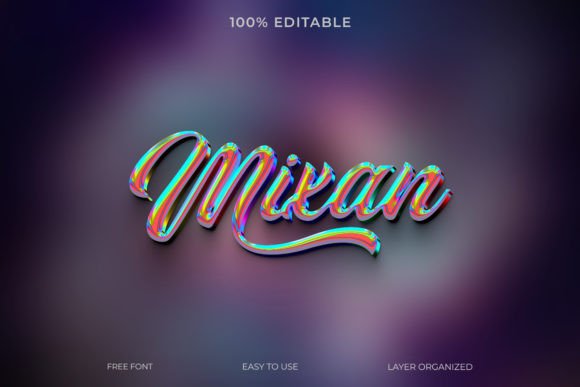
Mixan 3D Text Effect Style: A Simple Yet Powerful Tool for Stunning Typography
Typography is more than just words on a page—it’s an art form that can elevate your design work from ordinary to extraordinary. Whether you're working on a poster, website banner, social media graphic, or branding material, the right text effect can make all the difference. Enter Mixan 3D Text Effect Style, a ready-to-use Photoshop design asset that brings depth, style, and professionalism to your projects with minimal effort. Designed for both beginners and seasoned designers, this editable PSD file allows you to create visually striking 3D text effects without needing advanced technical skills.
What Is Mixan 3D Text Effect Style?
Mixan 3D Text Effect Style is a high-quality Photoshop template that includes a pre-designed 3D text effect. It's built using smart objects, making it fully customizable while maintaining clarity and resolution. The file is saved in RGB format at 300 DPI—ideal for digital and print use alike—and is structured so users can easily replace the placeholder text with their own message. This means you can achieve a professional look without spending hours learning complex techniques or rendering 3D models from scratch.
Common Design Challenges Solved by Mixan 3D Text Effect
Many designers face similar hurdles when creating text-based visuals:
- Limited time due to tight deadlines
- Lack of 3D modeling experience
- Difficulty achieving consistent quality across different platforms
- Need for flexibility to adapt text styles quickly
These challenges are especially common in fast-paced creative environments where visual impact matters but efficiency is key. Mixan 3D Text Effect Style directly addresses these issues by offering a streamlined workflow. Instead of starting from zero, you can plug in your text and instantly have a polished, three-dimensional look that fits a wide range of applications.
How to Use Mixan 3D Text Effect Style
The beauty of Mixan 3D Text Effect Style lies in its simplicity. Here’s how you can start using it right away:
- Open the .PSD file in Adobe Photoshop
- Locate the smart object layer (usually labeled clearly for easy identification)
- Double-click the smart object to open the editable text box
- Type in your desired text and close the window
- Save your project or export it as needed
That’s it! The entire process takes just a few clicks, and the result is a stunning 3D text effect that looks professionally rendered. No need to adjust lighting, shadows, or perspective manually—the template handles those details for you, ensuring a cohesive and realistic appearance every time.
Practical Applications Across Industries
Thanks to its versatility, Mixan 3D Text Effect Style can be used in various fields:
- Marketing & Advertising: Create eye-catching headlines for campaigns, banners, or promotional materials.
- Web Design: Add dimension to hero sections, call-to-action buttons, or landing page titles.
- Graphic Design: Enhance posters, book covers, or editorial designs with bold 3D typography.
- Brand Identity: Showcase brand slogans or taglines in a modern, impactful way.
- Social Media Content: Craft engaging posts with layered text that stands out in crowded feeds.
For example, a web designer might use it to highlight a product name on an e-commerce site, while a motion graphics artist could incorporate it into a video intro. Even educators can benefit by using it in presentation slides to emphasize key points or headings.
Why Choose Editable Smart Object Files?
One of the standout features of Mixan 3D Text Effect Style is the use of smart objects. These layers preserve the original quality of the design, no matter how many times you scale or modify them. Unlike standard text layers, which can become distorted if not handled properly, smart objects allow for seamless editing without compromising the visual integrity of the 3D effect.
This makes the tool ideal for users who want to experiment with different fonts, colors, or messages. You can try out variations quickly and see real-time results—all within the same high-resolution file. Plus, since it’s fully editable, you’re free to tweak other elements of the design, such as background textures or lighting, to match your project’s theme or mood.
Getting Creative with Your Projects
While the template is designed to work out of the box, there’s also room for personalization. Want to add a neon glow? Change the color scheme? Or maybe overlay it onto a custom image? With Mixan 3D Text Effect Style, you can do all of that and more. The RGB format ensures vibrant colors display correctly on screens, while the 300 DPI resolution guarantees crisp detail whether printed or viewed digitally.
Here are a few tips to maximize your use of this tool:
- Use contrasting colors between the text and background for better visibility.
- Layer the 3D text over subtle gradients or textures to enhance the depth illusion.
- Try different font styles to match the tone of your content—playful, formal, futuristic, etc.
- Export the final design in multiple formats (PNG, JPEG, SVG) to suit different platforms and needs.
With these simple adjustments, you can transform the base design into something uniquely yours, tailored to fit your specific goals and aesthetic preferences.
Different Ways Users Can Approach This Tool
Depending on your experience level and project requirements, you might approach Mixan 3D Text Effect Style differently:
- Beginners: Focus on replacing the text and experimenting with basic edits like color and font. Avoid overcomplicating the design until you’re comfortable with the interface.
- Intermediate Designers: Modify existing layers, adjust lighting or shadow settings, and integrate the text into more complex compositions.
- Advanced Users: Combine multiple 3D text effects, animate them using After Effects, or even restructure the smart object to build custom templates.
Each approach leverages the core strengths of the template—its ease of use, flexibility, and high-quality output—while allowing for creativity and personal expression.
Considerations for Optimal Use
To get the most out of Mixan 3D Text Effect Style, keep the following in mind:
- Ensure your system meets the minimum requirements for running Adobe Photoshop smoothly.
- Use vector-based fonts for scalability, especially if you plan to enlarge the text significantly.
- Keep your text concise—long phrases may lose impact or appear cluttered in a 3D format.
- Test the design on different backgrounds to confirm the 3D effect remains clear and readable.
By taking these considerations into account, you’ll ensure your final design not only looks great but functions effectively in its intended context.
Real-World Outcomes and Benefits
Designers who have incorporated Mixan 3D Text Effect Style into their workflows often report faster production times and higher client satisfaction. One user shared that they were able to generate a set of promotional images for a new app launch in under an hour, thanks to the intuitive smart object setup. Another noted that the 3D effect added a sense of professionalism to their portfolio pieces, helping them stand out in competitive markets.
Whether you're producing content for a client, preparing marketing assets, or enhancing your personal brand, this tool can help you deliver high-quality visuals consistently and efficiently. Its ability to maintain resolution and color accuracy across platforms makes it a reliable choice for any project that demands a bold typographic presence.
Conclusion
In today’s design landscape, standing out requires more than just good ideas—it demands compelling visuals. Mixan 3D Text Effect Style offers a practical solution for anyone looking to add dimension and flair to their text without the steep learning curve of traditional 3D design tools. By leveraging smart object technology, it simplifies the process while delivering professional-grade results.
If you’re seeking a resource that balances speed, quality, and customization, this template is worth exploring. From simple wordings to complex branding statements, it provides a foundation for creative expression that adapts effortlessly to your vision. So why spend hours perfecting a 3D text effect when you can let the magic happen in seconds? Try Mixan 3D Text Effect Style and see how it transforms your next project.